Keyboard first
Move with j and k, cross panes with Tab, act with a single letter. The mouse works; you won't need it.
 Tide.
Tide.
A family of terminal apps
Feeds, mail, files and containers. Four apps, one layout, one help key.
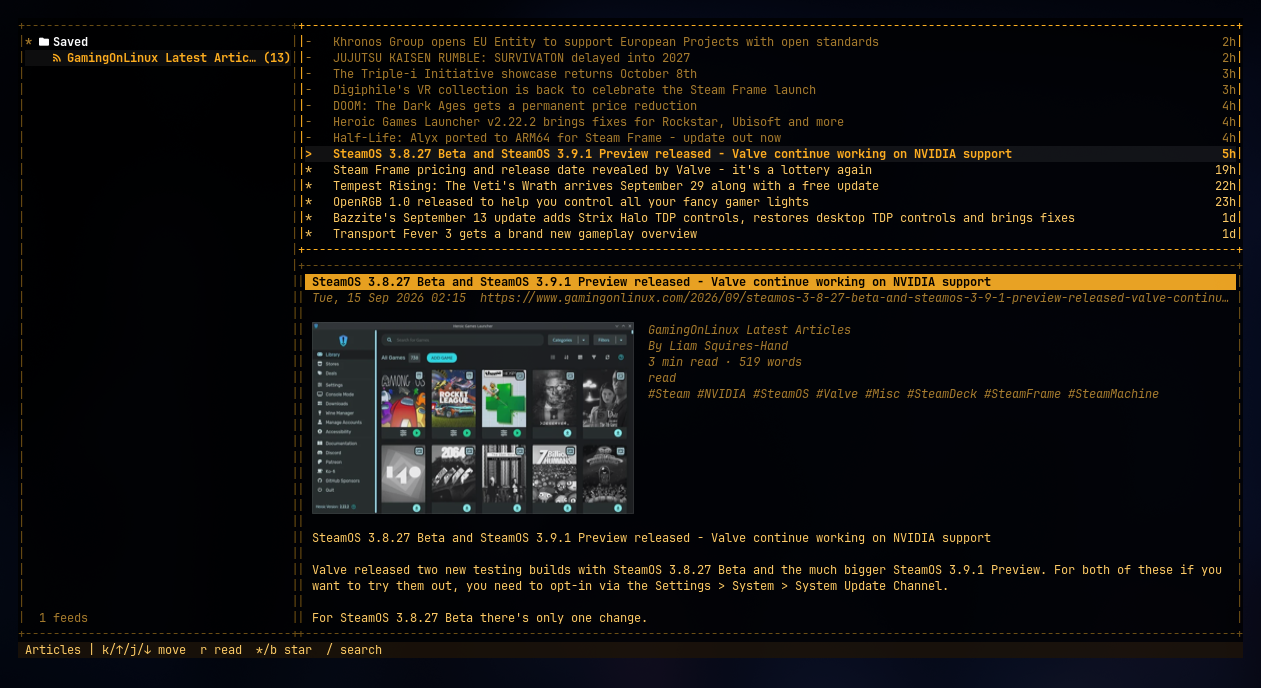
01 / 04Real apps. Real terminal screenshots.
The shared part
Your feeds sit in a browser, your mail in a window, your servers behind an ssh command and your containers behind a man page. Each one wants different keys.
Move with j and k, cross panes with Tab, act with a single letter. The mouse works; you won't need it.
Feeds, mail, files and containers each get a few panes on one screen. Tab moves between them and nothing hides the list you came from.
Press ? anywhere for a searchable keybinding reference. No man page, no wiki tab.
Forget a key? Type what you want to do and hit Enter.
Nineteen palettes, including Catppuccin, Nord and Gruvbox, with text and borders held to WCAG contrast minimums by automated tests.
The Tide family
Each one is a standalone binary. Take one, take all four. Same frame, same keys, same themes, all from tideui.
Terminal RSS & Atom reader, instead of newsboat
The one that started the family. Feeds, headlines and the article on one three-pane screen.
See Tide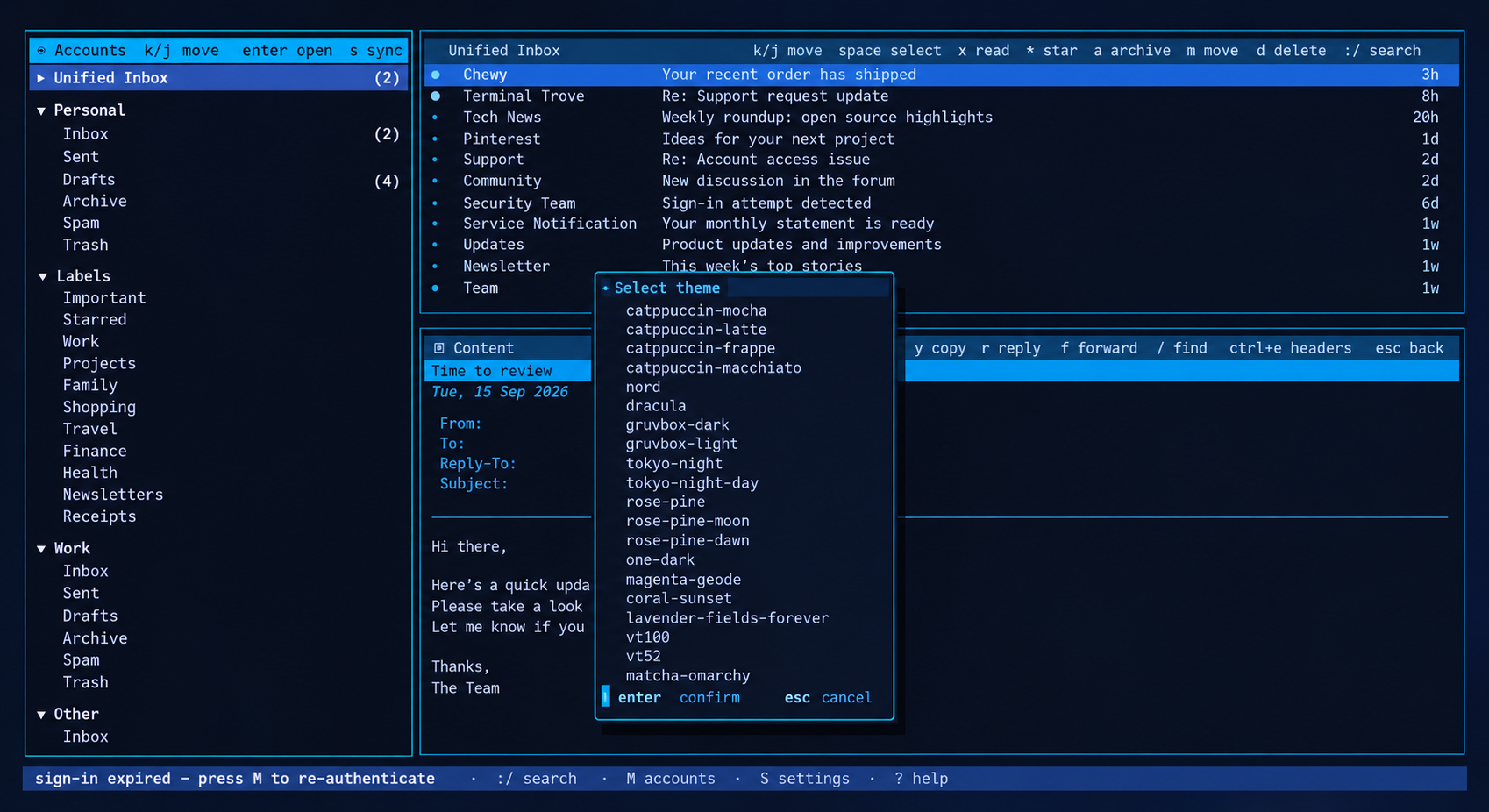
Terminal email client, instead of mutt / Thunderbird
Every account on one screen, undo-send with Ctrl+Z, and setup in a form instead of a config file.
See TideMail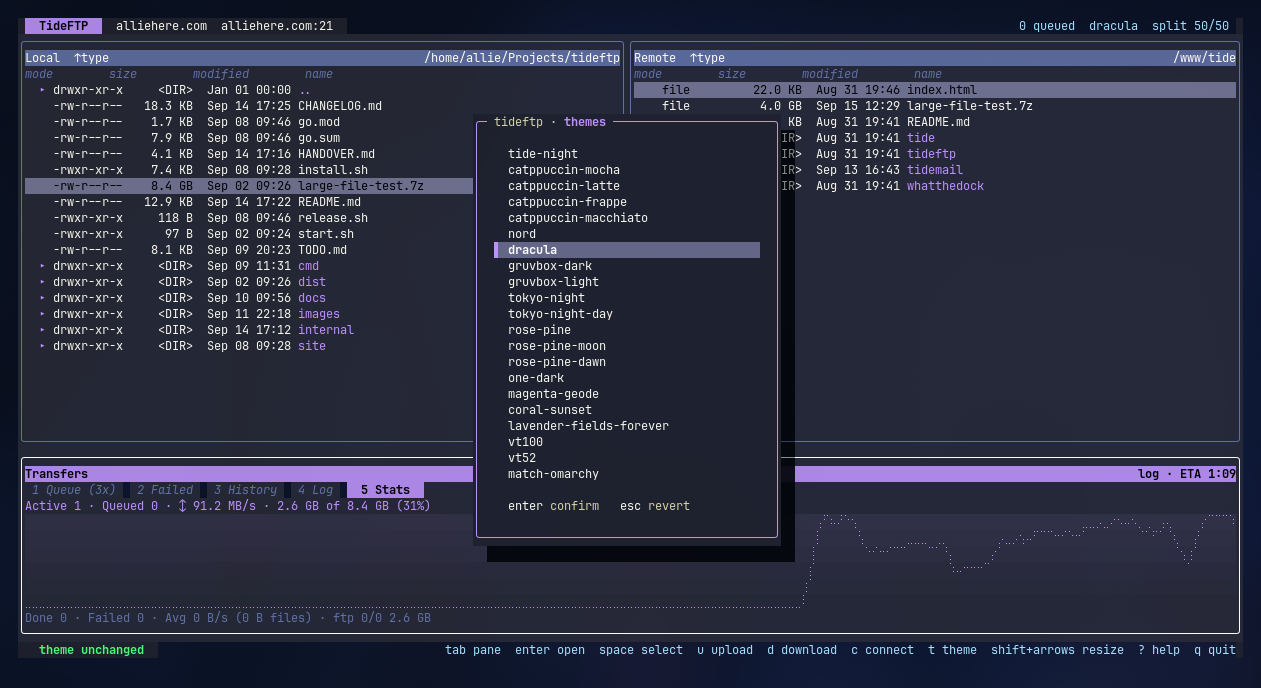
Terminal file transfer client, instead of lftp / FileZilla
SFTP, FTP and FTPS with a real transfer queue, conflict policies and a directory mirror.
See TideFTP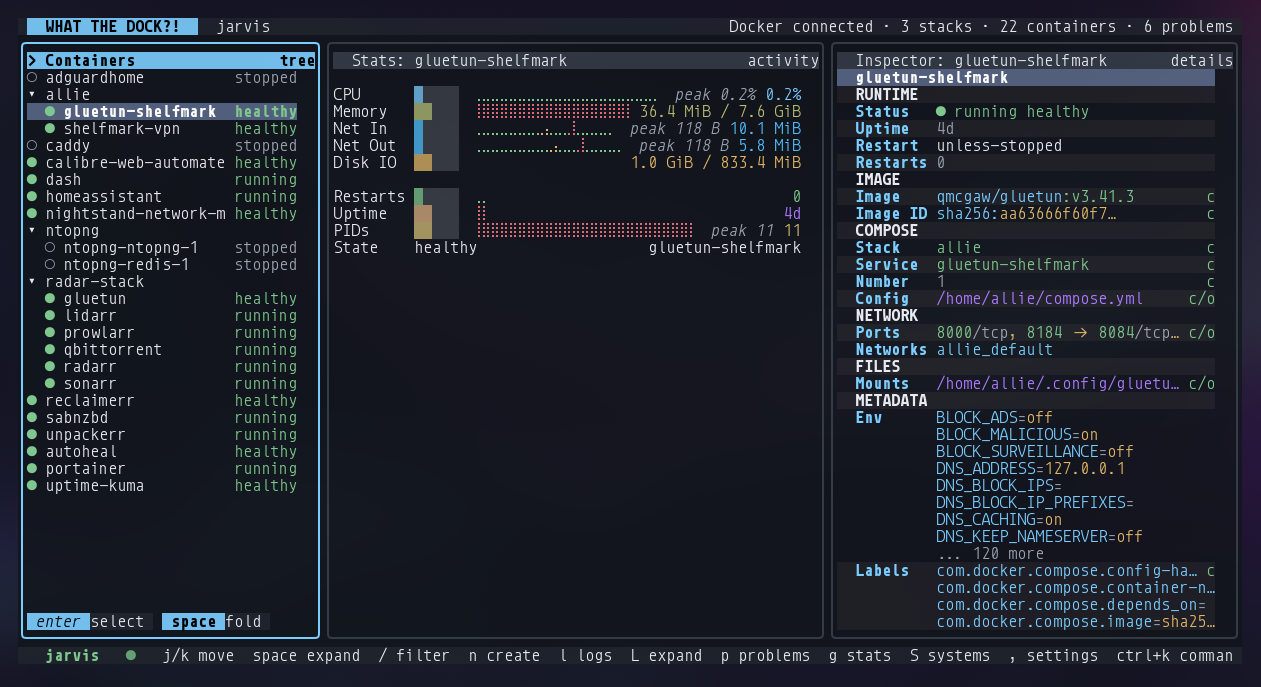
Terminal client for Docker & Compose, instead of lazydocker / the docker CLI
Containers and Compose stacks, local and remote, in one place. See, log, restart, recreate.
See WhatTheDockTideMail for Android
Coming soon.
Beta for invited testers.
Android email app, coming soon
The same calm mail, for your phone: Gmail and IMAP, folders, drafts, search and notifications. No TideMail server in the middle.
Coming soonReadable by design
Press T in any app and preview a theme live before you commit. Contrast is checked in every one.
Your data stays yours. Local caches, local config, secrets in the system keychain. Nothing phones home.
Install without a package manager. All four install with one line.
Your next terminal tab